Card Value Scanner identifies Pokémon TCG cards from the camera, shows market price references and keeps the cards you save in decks.
Scan
Point the camera at a card and get a match.
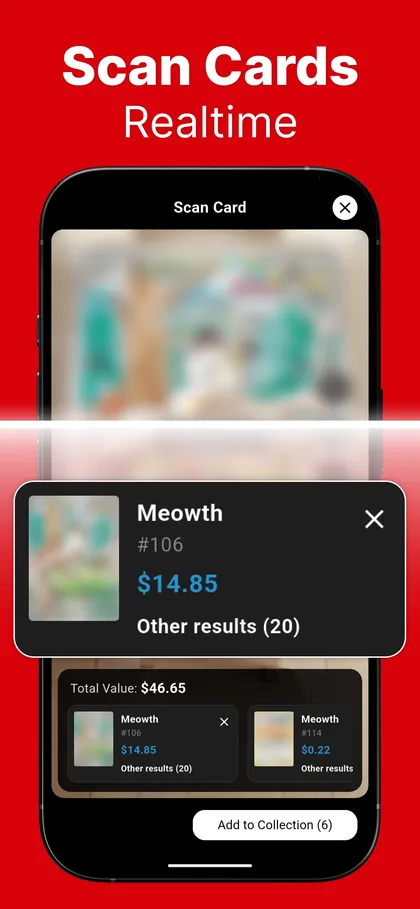
Open the scanner, hold the card inside the frame and the app looks for a match. In auto scan mode the camera keeps scanning on its own. When more than one card fits, you see the other results and can choose the right one.
Auto scan mode scans cards as you hold them up.
Multiple matches are listed so you can pick the right printing.
Price
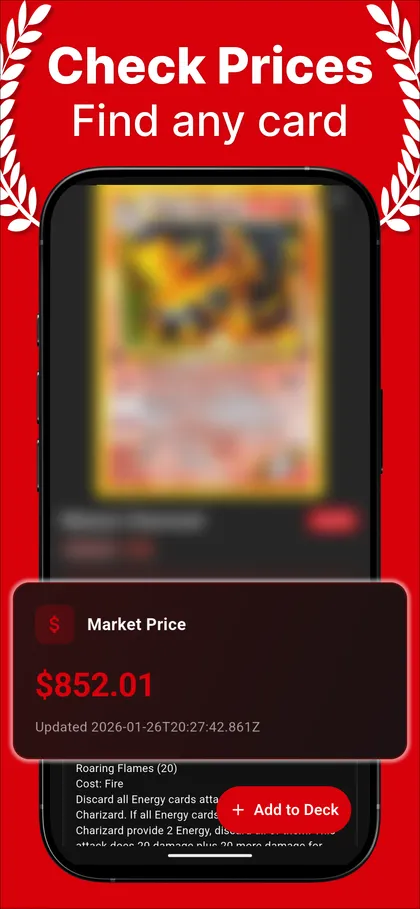
See a market price reference for each card.
Prices come from TCGplayer market data delivered through the Pokémon TCG API. The card page shows the market price and the date of the last update, so you know how fresh the number is.
Prices are shown in US dollars.
A price reference is not an offer to buy or sell.
Total
Scan a stack and watch the total.
Scan one card after another. Each card appears in the session list with its price, and the total value updates as you go. Remove a card you do not want, then save the list to a deck.
Save the whole scan session to a deck in one step.
Remove a wrong match before you save.
Decks
Keep cards in decks that show their value.
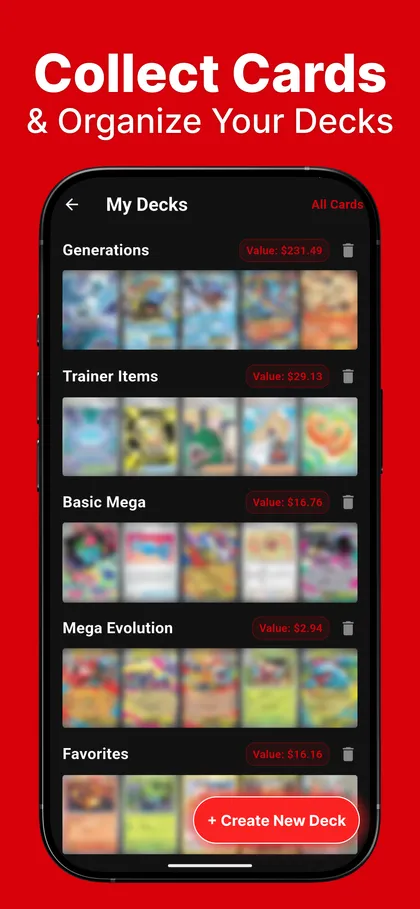
Create a deck with a name and an optional description, add cards from a scan or from a card page, and see the total value of each deck. Without a subscription you can keep one deck; Premium removes the limit.
Add cards from scans or card pages.
Each deck shows its combined value.
Search and sets
Look up any card by name or browse by set.
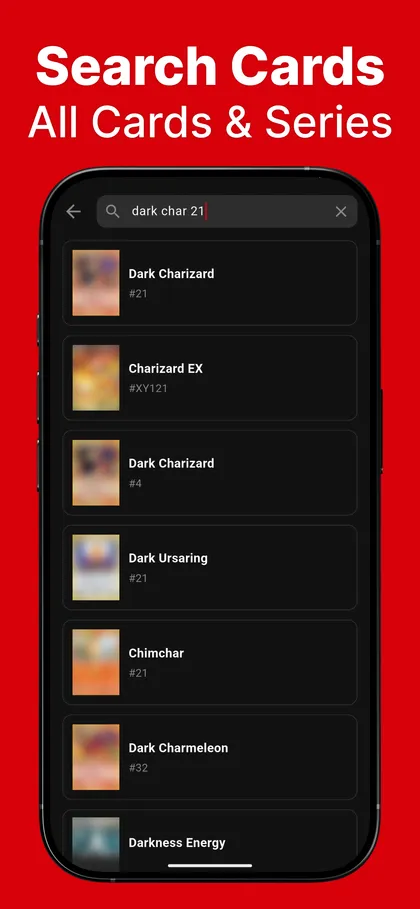
Type a card name to search, or open a set to browse its cards. A card page shows the set, card number, rarity, artist, release date, type, abilities, attacks and weaknesses, next to the market price reference.
Search results update as you type.
Card pages list set information and gameplay details.
When a scan needs a second look
A price reference is not a sale price.
Market prices come from third-party data and change over time. Condition, printing, language and demand all affect what a card sells for, so treat the number in the app as a starting point.
A scan can miss when the card is in glare, out of focus, sleeved behind a reflective top-loader or partly outside the frame. If the first match is wrong, pick the right card from the other results or search by name.
Get the app
Your next card check starts with the camera.
Install Card Value Scanner on Android, scan a card and see its details and market price reference.