Point the camera at a card and get a match.
The scanner reads the card name and number and compares the card image to find a match.

Card Value Scanner for iPhone and Android
Point your phone at a Pokémon TCG card. Card Value Scanner finds the card name, set and number, shows a market price reference and keeps a running total while you scan.
Prices are references from market data, not offers. Check condition and recent sales before you buy or sell.

What it does
Scan cards with the camera, or search by name and browse sets. Every card page shows the set, number, rarity and a market price reference, and the cards you save go into decks that show their total value.
Inside the app
The scanner reads the card name and number and compares the card image to find a match.
Each match shows a market price in US dollars and when it was last updated.
Every scanned card joins a list with a running total value.
Free tools
Check your scanning setup in a few taps, or add up the cards in a binder page or trade with your own prices.
Scan setup
Check light, glare, focus, framing and sleeves before you scan a trading card. The checklist gives tips; it does not analyze photos or predict a match.
Open toolCollection value
List cards with quantity and your own price per card, see the total and download a CSV. Runs in your browser; it does not look up prices.
Open toolGrading
Measure the four borders of a Pokémon card and get its left/right and top/bottom centering ratio, e.g. 55/45. Free, in your browser.
Open toolGrading
Compare selling a card raw versus graded: enter raw value, expected graded value, grading cost and fees to see profit, ROI and break-even.
Open toolGrading
Add up the full cost of a grading submission: per-card fee, shipping both ways and extras, and see the real cost per card. Free.
Open toolSelling
See your fees, payout and profit when selling a trading card. Enter the marketplace fee % you pay, any fixed fee and shipping. Free.
Open toolOpening
Estimate the expected value of a booster box from your own hit values and pull rates, and compare it with the box price. Free.
Open toolOpening
What are pull rates? Enter a rate (1 in N packs) and how many packs you open to see the chance of at least one hit, plus packs needed for 50% or 90%.
Open toolGrading
Pick the wear you see on corners, edges, surface and bends to get a rough raw-card condition (Near Mint to Damaged). Free guide.
Open toolPlaying
Paste a Pokémon TCG deck list to count cards and check the 60-card total, the 4-copy limit and the one-Radiant rule. Free, in your browser.
Open toolGood to know
Market prices come from third-party data and change over time. Condition, printing, language and demand all affect what a card sells for, so treat the number in the app as a starting point.
Blog
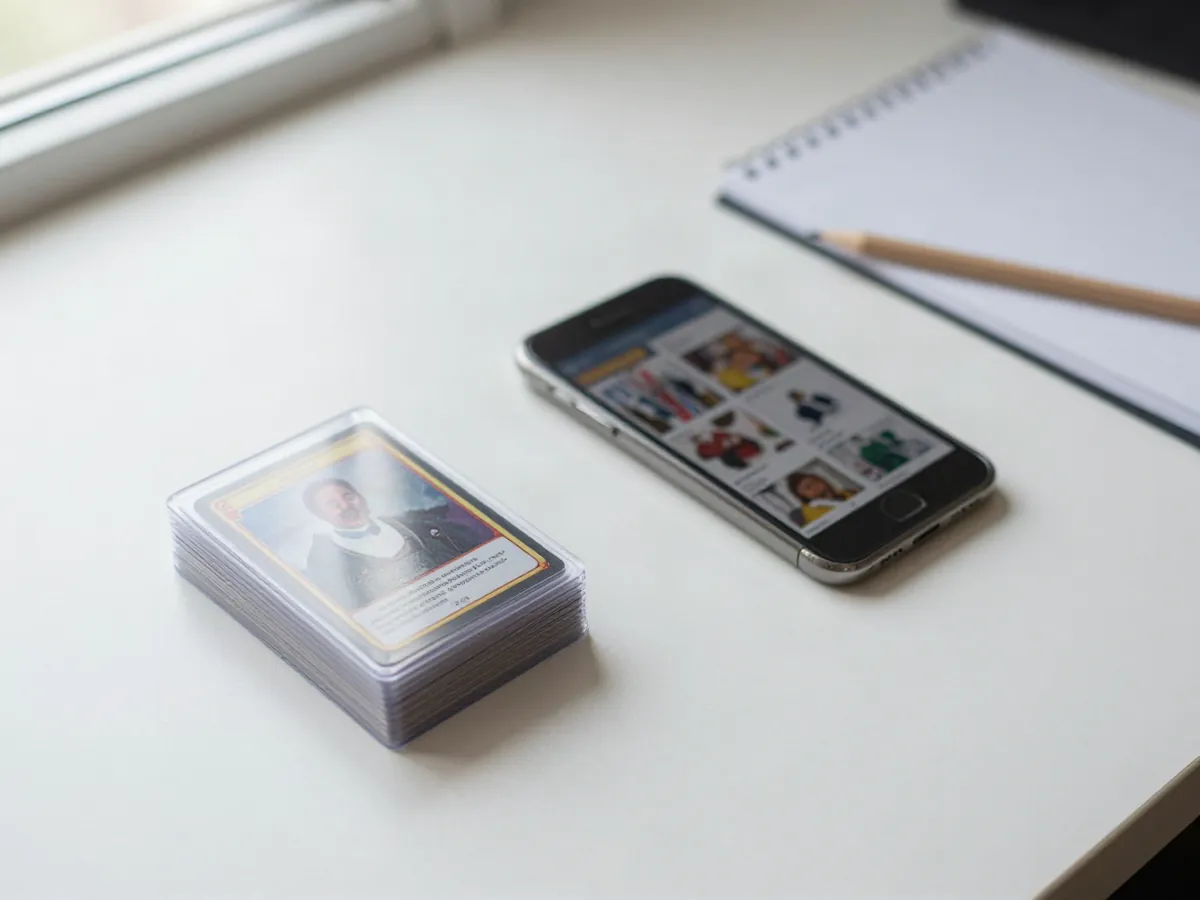
Plan a legal 60-card list, scan the cards you own, track its changing reference total, and keep useful notes ready to export or share.
Read article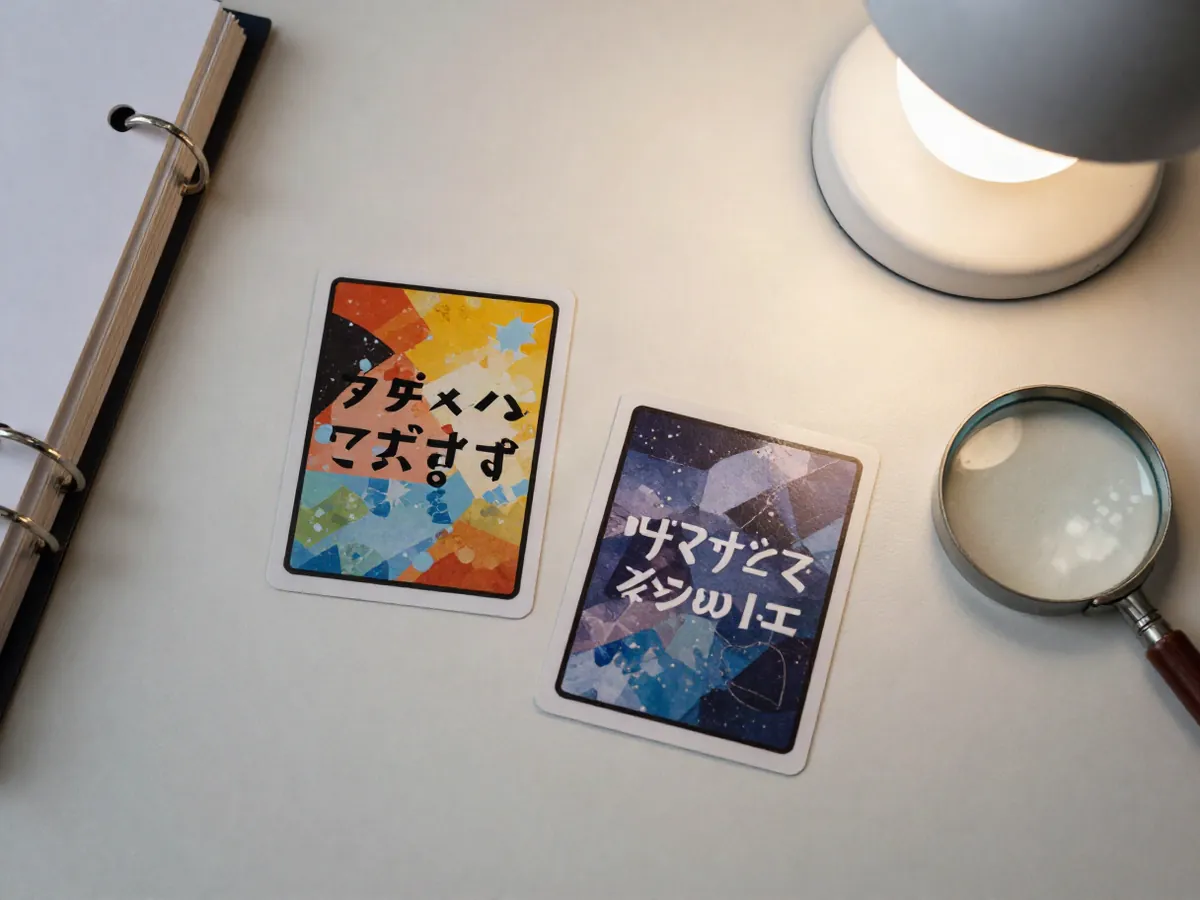
A practical guide to telling Japanese and English cards apart, reading set identifiers, photographing cards clearly and choosing the right market reference.
Read article
A practical guide to sleeves, rigid holders, binder pages and home storage, with simple habits that help preserve a card’s condition before you scan or handle it.
Read articleFrequently asked questions
What the scanner recognizes, where prices come from and what is free.
The scanner matches cards against a Pokémon Trading Card Game card database. It reads the card name and number, compares the card image with candidates and shows the best match, with other possible matches you can pick instead.
Prices are market price references in US dollars from TCGplayer data, delivered through the Pokémon TCG API. The app shows when the price was last updated. A reference price is not an offer, and the amount you can get when selling depends on condition, demand and the buyer.
Yes. Each card you scan is added to the current session with its price, and the app shows a total value. You can remove a card from the list and then save the session to a deck.
The app is free to download from the App Store and Google Play. On Android, without a subscription there is a daily scan limit and one deck. A Premium subscription, bought in the app, removes those limits.
Yes. Card Value Scanner is available for iPhone on the App Store and for Android on Google Play.
No. Card Value Scanner is an independent app. It is not affiliated with, endorsed by or associated with The Pokémon Company, Nintendo, Creatures Inc. or GAME FREAK Inc.
How the website and the app handle data: Privacy notice
Rules for using the website and the app: Terms of use
Scan your next card
Install Card Value Scanner on iPhone or Android, scan a card and see its details and market price reference.